While the pandemic raised questions and concerns about data security for remote workers, there’s another side of the coin in IT security which is often overlooked.
With traditional in-office setups becoming a thing of the past, and work-from-home models swiftly becoming the norm for most companies, one is left to wonder, “How can we keep our IT equipment safe with fewer people present in the office day to day?”
Key Takeaways
- The shift to remote and hybrid work models has reduced the number of eyes on physical office infrastructure day to day, creating security gaps that many organizations have not yet addressed with updated physical security policies and procedures.
- Proactive physical security planning covering access control, equipment lockdown, and regular audits of who is accessing critical hardware is more cost-effective than responding to theft or tampering after it occurs.
- An outside perspective on physical IT security is one of the highest-return investments a business can make, as internal teams frequently cannot identify the procedural gaps and vulnerabilities that have quietly accumulated during the transition to remote work.
Is Your IT Equipment at Risk?
Less people in the office on a daily basis means fewer eyes on your servers and other valuable equipment. While it’s not an official duty of most folks on your team, it’s easier to spot suspicious activity with a fully-staffed workplace
Not to worry, there are steps you can take to keep your stuff safe.
The Basics of Securing Your Physical IT Equipment
Here are the essential steps recommended to secure your equipment:
- Don’t wait until something happens to think about security – make a proactive plan.
- Make sure you know who is accessing your important equipment day-to-day.
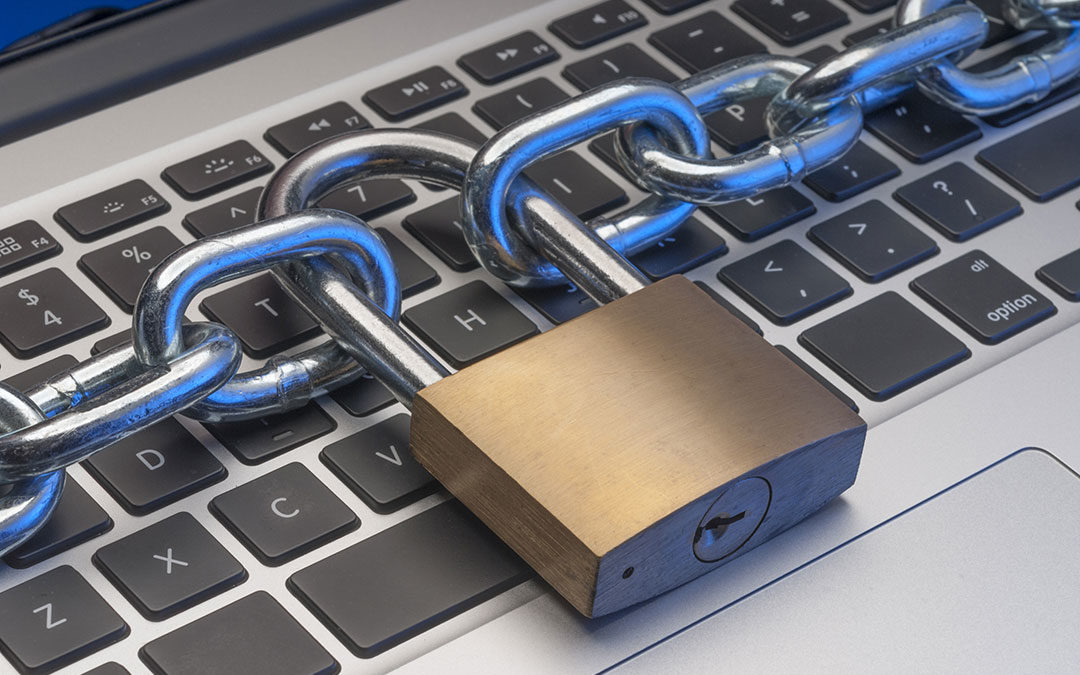
- Be sure to always keep your equipment locked up and secure.
These points may seem obvious, but a closer look at your procedures and policies may reveal weaknesses in your physical security or gaps which have come about as your workforce went remote.
Check out this great overview for more detailed steps for protecting your equipment.
An Outside Perspective on IT Security Is Invaluable
If there’s one area of IT where it pays to have an outside eye review your strategy, it’s physical security.
Our engineers at Inteleca spend every day focused on network architecture for businesses and data centers and the challenges of securing them, both remotely and on-site. Contact us here for a comprehensive assessment of where your gaps exist and a plan to address them.
FAQs
What are the security measures used to protect IT systems?
Protecting IT systems requires a layered approach covering both physical and digital security simultaneously. On the physical side, access control systems, video surveillance, and intrusion detection ensure that only authorized personnel can reach critical hardware like servers, switches, and storage devices. On the network side, properly segmented architecture using VLANs, firewalls, and role-based access controls limits how far an attacker can move through a system once initial access is gained. Endpoint management, regular software patching, employee security training, and a certified ITAD process for retiring hardware complete the picture by ensuring no gap exists between active infrastructure and decommissioned devices that still carry sensitive data.
How can businesses maintain security when employees work remotely?
Maintaining security with a remote workforce starts with ensuring every device connecting to company systems is managed, monitored, and configured to meet security standards regardless of its physical location. Properly designed network architecture with encrypted remote access, VPN enforcement, and role-based permissions prevents unauthorized entry through the distributed access points that remote work creates. Physical security at the office level must also be reinforced through access control and video surveillance since fewer staff on site means less informal visibility over servers and critical hardware. Regular proactive IT maintenance including patch management and endpoint monitoring ensures vulnerabilities are identified and closed before remote workers inadvertently expose them.
What security issues can occur while working remotely?
Remote work introduces security risks across both the physical and digital layers of an organization’s infrastructure. On the network side, unsecured home Wi-Fi connections, weak passwords, unpatched devices, and phishing attacks targeting remote employees are among the most common entry points for attackers. On the physical side, reduced office occupancy means fewer people monitoring access to servers and critical hardware, creating opportunities for unauthorized entry that access control systems and AI-powered surveillance are specifically designed to address. Improperly managed endpoint devices that are lost, stolen, or retired without going through a certified data destruction process represent an additional exposure point that many organizations overlook entirely.